



AWS & Azure: Beginner's Blog Tutorial
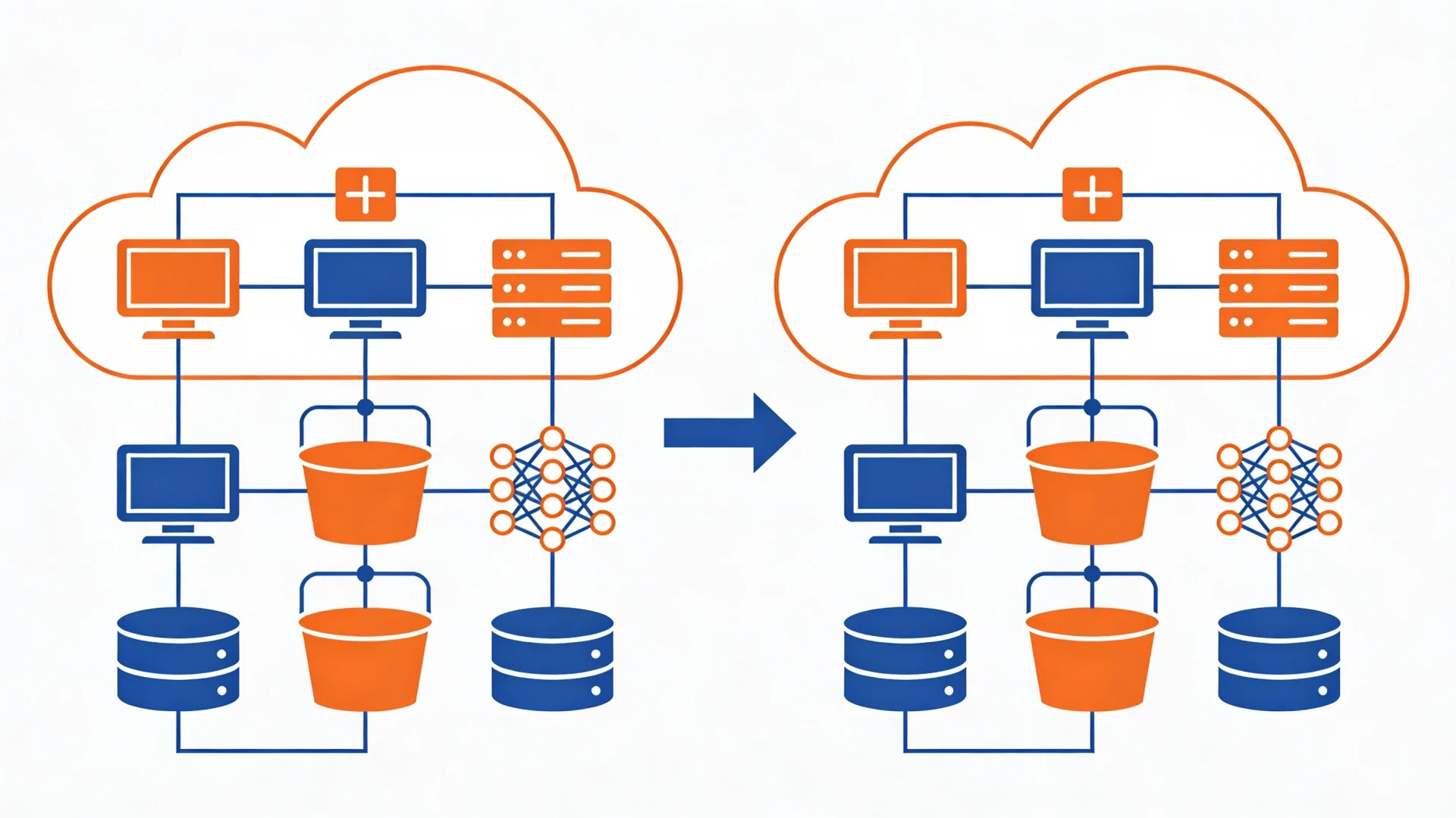
AWS and Azure look intimidating from the outside: hundreds of services, unfamiliar names, and a console that seems designed for people who already know it. Underneath, both clouds offer the same handful of building blocks. By the end of this guide you will know how the core services map between AWS and Azure, when to use the web console versus the command line, how to protect yourself from surprise bills, and how to choose a cloud for your first project.
One mental model for both clouds
Almost everything you will do as a beginner falls into four categories: compute (machines that run your code), storage (files and objects), databases (structured data with queries), and functions (small pieces of code that run on demand). Everything else, from machine learning services to IoT hubs, sits on top of these four. If you learn the four categories in one cloud, you can find your way around the other in an afternoon, because the concepts transfer even when the names do not.
A useful habit: when you meet a new service name, ask which category it belongs to. "Amazon SQS" sounds opaque until you realize it is a message queue, which is a helper around compute. "Azure Front Door" is a content delivery and routing layer. Categorizing services this way keeps the catalog from feeling infinite.
Compute: EC2 and Virtual Machines
The oldest and most direct service in both clouds is the rented virtual machine. AWS calls it EC2 (Elastic Compute Cloud); Azure calls it, plainly, Virtual Machines. In both cases you pick an operating system image, a machine size, and a region, and a few minutes later you can SSH into a Linux box or RDP into a Windows one. You pay for the time the machine runs, which leads to the first beginner lesson: a stopped machine is cheap or free, a running machine costs money whether you use it or not. Stop what you are not using.
Both clouds also offer container services (ECS and EKS on AWS, Container Instances and AKS on Azure) and simplified app hosting (Elastic Beanstalk and Lightsail on AWS, App Service on Azure). For a first project, the simplified options are usually the right call. App Service and Lightsail take care of the operating system so you only think about your code.
Storage: S3 and Blob Storage
Object storage is where you put files: images, backups, exports, static websites. AWS S3 (Simple Storage Service) and Azure Blob Storage do the same job with different vocabulary. S3 organizes files into buckets; Azure uses storage accounts that contain containers. In both, a file is an object with a key, some metadata, and an access policy.
The critical setting in both is public access. Both clouds now default new buckets and containers to private, and you should keep it that way unless you are deliberately hosting public files. A large share of real-world data leaks trace back to storage that someone made public "temporarily" and forgot about. If you need to share a single file, generate a time-limited signed URL instead of opening the whole bucket.
Databases: RDS and Azure SQL
You can install a database on a virtual machine yourself, but the managed options save you from backups, patching, and failover configuration. AWS RDS (Relational Database Service) runs PostgreSQL, MySQL, and other engines for you; Azure offers Azure SQL Database plus managed flavors of PostgreSQL and MySQL. On the NoSQL side, AWS has DynamoDB and Azure has Cosmos DB.
For a beginner project, pick a managed PostgreSQL or MySQL instance in whichever cloud you chose. The skills you build with a relational database (schemas, queries, indexes) transfer everywhere, while the proprietary NoSQL services teach you patterns that only apply inside that one cloud. If databases are new territory for you, work through database fundamentals first; the cloud part is easier when the SQL part is familiar.
Functions: Lambda and Azure Functions
Serverless functions are small units of code that run in response to an event: an HTTP request, a file upload, a timer. AWS Lambda and Azure Functions are direct equivalents. You upload code, define a trigger, and pay per execution instead of per hour. For glue tasks (resize an uploaded image, send a notification, run a nightly cleanup) they are often cheaper and simpler than keeping a server running.
The pitfall to know: functions have execution time limits and no local state between runs. They suit short, event-driven work, and they punish you for treating them as a general-purpose server. If the serverless model interests you, the serverless tutorial goes deeper into when it fits and when it does not.
Console versus CLI
Both clouds give you a web console and a command-line tool (the aws CLI and the az CLI). Beginners sometimes hear that "real engineers use the CLI" and feel obliged to start there. Ignore that. The console is the better learning environment: it shows you which options exist, groups related settings together, and warns you about consequences before you click.
Switch to the CLI when you catch yourself doing the same clicks for the third time. Uploading files, restarting a service, checking logs: these repeat, and a one-line command beats four minutes of clicking. A reasonable progression is console to explore, CLI to repeat, and eventually infrastructure-as-code (Terraform, CloudFormation, or Bicep) to make environments reproducible. Do not skip straight to the last stage; you will be automating settings you do not yet understand.
Free tiers: useful, but set a billing alert first
Both AWS and Azure offer free tiers for new accounts, and both are genuinely useful for learning. They are also the source of most beginner horror stories, because "free" has boundaries: some offers expire after a period, some are capped per month, and some services are never free at all. The exact numbers change, so check the current free-tier pages rather than relying on any blog post, including this one.
Before you launch anything, do two things. First, set up a billing alert: both clouds let you define a budget and email you when spending crosses a threshold you choose. This takes ten minutes and turns a potential end-of-month shock into a same-day email. Second, make deleting things part of your routine. Finished an experiment? Tear it down the same day. Orphaned resources (an unattached disk, a forgotten load balancer, a database you spun up "just to test") are the classic slow leak. A weekly five-minute sweep of your resource list keeps the bill honest.
How to pick for a first project
For a personal project, the honest answer is that either cloud will serve you well, so let practical signals decide. Pick Azure if you live in the Microsoft ecosystem: your work uses Microsoft 365, you write C#, or your team already has Azure access. Pick AWS if you follow tutorials heavily, since more third-party guides and courses target AWS, or if a job posting you care about lists it. If neither signal applies, flip a coin and commit; the concepts transfer, and switching later is a much smaller job than the marketing suggests.
Whichever you choose, resist using both at once for your first project. Multi-cloud is a technique for large organizations with specific constraints. For a beginner it just doubles the number of consoles, credentials, and bills to keep track of. Learn one cloud properly, then let the second one come to you through a real need.
Where to go next
- Cloud security: lock down your new account before you build on it.
- Serverless explained: a closer look at Lambda-style functions and their trade-offs.
- Docker and containers: the packaging format both clouds run natively.
Stuck on a step? Write to the desk and we will point you in the right direction.
Comments
No comments yet. Be the first to share your thoughts.