



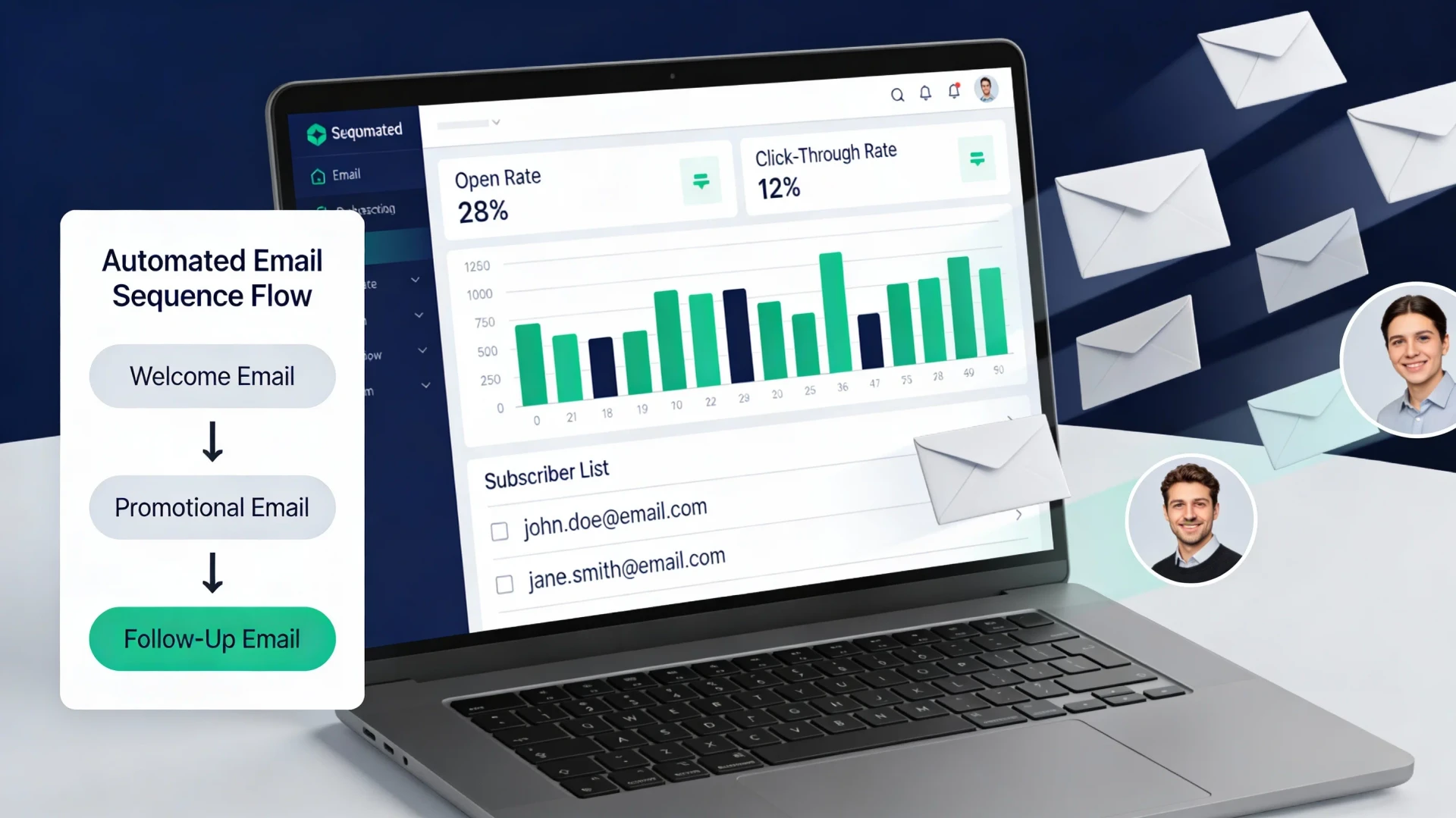
Email Marketing: Newsletters People Actually Open
Most newsletters fail quietly: they land in inboxes nobody asked them into, promise things the content does not deliver, and get deleted unread until the sender gives up. This guide covers the version that works. By the end you will know how to build a list people actually opted into, write a welcome email and honest subject lines, keep the design simple, prune your list, and measure the few numbers that matter.
Step 1: Get permission before you get subscribers
Everything in email marketing rests on one rule: only email people who asked you to. This is a legal matter in much of the world. Consent-based privacy rules, GDPR being the best-known example, generally require that people actively agree to receive your emails, that you can show when and how they agreed, and that they can withdraw that agreement easily. The exact requirements vary by country, so check the rules that apply to you, but the safe baseline is the same everywhere: explicit opt-in, recorded, revocable.
In practice that means a few things:
- Never buy a list. Purchased addresses did not consent to hear from you. Expect spam complaints, blocked sends, and damage to your sender reputation that outlasts the campaign.
- No pre-ticked boxes. The subscriber ticks the box themselves, and the box says plainly what they are signing up for and roughly how often.
- Use confirmed opt-in where you can. A confirmation email with a link the subscriber must click filters out typos and bots, and gives you a clean consent record.
- Keep unsubscribe one click away. A working unsubscribe link in every email, honored immediately. Making it hard to leave only converts quiet readers into spam reporters.
A smaller permission-based list beats a large cold one on every metric you care about, because engagement is what inbox providers use to decide whether you land in the inbox at all.
Step 2: Write the welcome email first
The welcome email is the most-opened message you will ever send, because it arrives at the moment of maximum interest. Set it to go out automatically the moment someone confirms.
A good welcome email does four small jobs: it confirms the subscription worked, it restates what the reader signed up for and how often you will show up, it delivers something immediately useful (your three best posts, the promised checklist, a short tip), and it invites a reply. That last one matters more than it looks: a real reply signals to inbox providers that your mail is wanted, and it tells you who your readers are. Sign it with a name. People reply to people, and they rarely reply to a brand.
Step 3: Write subject lines that tell the truth
Clickbait subject lines win the open and lose the reader. If the subject promises more than the email delivers, you have traded a one-time open for long-term distrust, and future emails get skipped on sight.
The reliable approach is duller and works better: say what is inside, specifically. "How I plan a content week in 40 minutes" beats "You're doing content planning WRONG". A few working rules:
- Front-load the useful words; many inboxes cut subjects around 40 to 50 characters.
- Skip ALL CAPS, stacked emojis, and fake urgency ("last chance" on something with no deadline). These patterns also attract spam filters.
- Make the preview text (the snippet after the subject) continue the thought instead of repeating it or showing "View in browser".
- If you test variants, test honest against honest, and judge them by replies and clicks over time rather than opens alone.
Step 4: Keep the design close to plain text
The best-performing newsletters from individuals and small teams tend to look like a well-written email from a person: a readable column of text, clear headings, a link or two. There are practical reasons for this beyond taste. Image-heavy templates break in dark mode and in clients that block images by default, they load slowly, and they push your actual words below a wall of banners. Heavily designed mail also pattern-matches to promotions, and some clients sort it accordingly.
Practical guidelines: one column, a system or web-safe font, dark text on a light background, images only when they carry information, and always with alt text. One main link or call to action per email; when everything is highlighted, nothing is. Send yourself a test and read it on a phone, because that is where a large share of your readers will read it. If your tool supports a plain-text version alongside the HTML, keep it enabled and check that it reads sensibly.
Step 5: Practice list hygiene
Lists decay. People change jobs, abandon addresses, or lose interest, and a list full of dead addresses drags down deliverability for everyone still reading. Hygiene is boring and worth it.
- Remove hard bounces immediately. A hard bounce means the address does not exist. Most tools do this automatically; confirm yours does.
- Define "inactive" for your cadence. For a weekly newsletter, no opens or clicks in six months is a reasonable threshold; adjust for monthly sends.
- Run a re-engagement email. One short, honest message: "Still want these? Click here to stay on the list." No guilt trips.
- Then actually remove the silent ones. Shrinking your subscriber count feels bad for a day. Better inbox placement lasts.
- Never re-add unsubscribers, even after a platform migration. Keep suppression lists intact when you move tools.
Step 6: Measure what matters
Dashboards offer a dozen metrics; three or four carry almost all the signal. Watch click rate (did the content earn an action), reply rate (are you writing to humans who write back), unsubscribe and spam-complaint rates (are you sending what people signed up for), and, if the newsletter supports a business, the downstream outcome: sign-ups, bookings, or sales that came from email links.
Treat open rates as a rough trend line rather than a precise number. Privacy features in modern mail clients prefetch messages and inflate opens, so compare your own opens month over month instead of chasing benchmark figures. And judge the newsletter on a quarter, not on a single send; one flat email means nothing, three flat months means the format needs a rethink.
A sustainable sending rhythm
Choose a frequency you can keep during your busiest month, then say it on the sign-up form and stick to it. Consistency trains readers to expect you; long silences followed by sudden bursts train spam filters to doubt you. If you miss a send, skip it without apology and carry on. Nobody unsubscribes because you were quiet for a week. They unsubscribe because the emails stopped being worth opening.
Where to go next
- Business automation: connecting your sign-up forms, welcome sequence, and list cleanup so they run without you.
- SEO optimization: turning search traffic into subscribers with content people actually look for.
- SEO optimization tutorial: a practical starting point for growing the traffic that feeds your list.
Stuck on a step? Write to the desk and we will help you untangle it.
Comments
No comments yet. Be the first to share your thoughts.