



Project Tools: Choosing Software That Fits Your Workflow
Choosing a project tool usually starts in the wrong place: a feature comparison of five apps, followed by a migration, followed six months later by the same conversation about a different five apps. This guide starts from the other end. By the end you will know how to map your actual workflow first, match it to the right tool shape, weigh the real cost of switching, run a fair two-week trial, and keep your team from drowning in overlapping tools.
Step 1: Describe your workflow before you look at tools
A project tool is a container for a process. If the process is fuzzy, the tool will be too, and no amount of features fixes that. So before opening a single pricing page, write down, in plain sentences, how work actually moves through your team today:
- Where does new work come from? (Client emails, a backlog, support tickets, someone's head.)
- Who decides what gets done next, and how often?
- What are the stages a task passes through before it is finished, and where do things stall?
- What does anyone actually need to see? A deadline overview? Who is doing what? What is blocked?
- How many people touch this, and do outsiders (clients, freelancers) need a view in?
Be descriptive rather than aspirational: write down the process you have, including the messy parts, because that is the process the tool must hold on day one. A useful test of the write-up is whether a new colleague could follow it. If your team of three shares one deadline list, that is your workflow, and it needs a very small container. The most common failure in tool selection is buying software for the process you wish you had.
Step 2: Learn the three tool shapes
Underneath the branding, most project tools offer three ways of thinking about work, and most apps can do more than one. The question is which shape is your primary view.
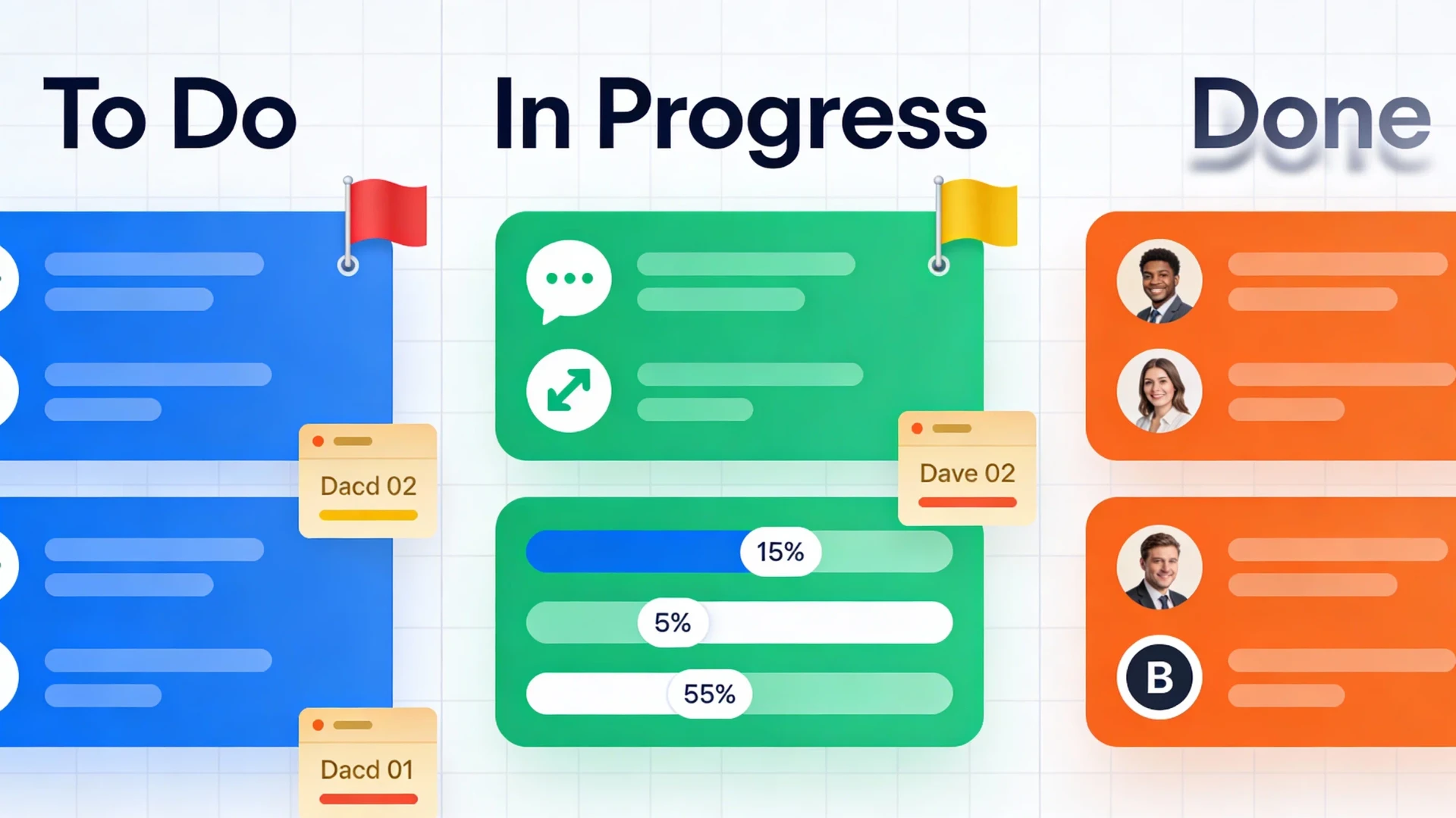
Kanban thinking: work as flow
A board with columns (To do, In progress, Review, Done) where cards move left to right. Kanban shines when work arrives continuously and the main questions are "what is in flight?" and "where is it stuck?". It suits support queues, content pipelines, and development teams. Its quiet superpower is exposing overload: a column with twelve cards in it is a bottleneck you can see. Its weakness is time; a board does not naturally show deadlines or how long things will take.
List thinking: work as order
Tasks in ranked lists, often with sub-tasks, owners, and due dates. Lists shine when work has clear priorities and hierarchies: a launch plan with forty steps, a personal workload, a checklist-driven process. They answer "what is next and who owns it?". Their weakness is flow; a long list hides where work actually stalls, and lists grow stale faster than boards.
Calendar thinking: work as time
Tasks placed on dates. Calendars shine when the deadline is the defining property of the work: editorial schedules, event planning, campaigns, anything with hard dates. They answer "what lands when?". Their weakness is everything without a date, which in most teams is the majority of the backlog.
Match your workflow notes from step 1 to a primary shape. Continuous incoming work and visible bottlenecks point to kanban. Deadline-driven output points to calendar. Ordered plans with owners point to lists. Many teams need one primary shape plus an occasional second view, and most decent tools provide that. What you should distrust is any setup that requires all three as equals from day one; that usually signals the workflow itself is not settled.
Step 3: Price in the cost of switching
Tool-switching has a sticker price of zero and a real price that is substantial. Before replacing anything that currently works, count the full bill:
- Migration labor. Someone exports, imports, and re-links hundreds of items, and attachments and comments rarely survive intact.
- Relearning. Every teammate loses time to a new interface, and the team's muscle memory (where things live, how to search) resets to zero.
- Broken connections. Automations, integrations, and bookmarks pointing at the old tool all need rebuilding.
- The history gap. Old decisions and discussions stay behind in the previous tool, or in an export nobody opens again.
- The credibility tax. The third migration in two years teaches a team to stop investing in any tool, which quietly kills adoption of the next one.
A useful rule: switch for workflow mismatch, never for feature envy. "Our work is deadline-driven and this board cannot show us a month" is a real reason. "The other tool has nicer dashboards" is rarely worth the bill above. And often the cheapest fix is configuration: many "wrong tool" complaints dissolve when someone spends an hour setting up the views the team actually needs.
Step 4: Run a two-week trial that proves something
Free trials usually get wasted: three people click around for an afternoon, form vague impressions, and the loudest opinion wins. A trial should instead be a small experiment with rules set in advance.
- Pick one real project, current and modest, and run it entirely in the candidate tool for two weeks. Sample data tells you nothing; real work exposes real friction.
- Write down three or four pass criteria before you start. For example: "daily standup runs from the board alone", "the client view needs no explanation", "adding a task takes under 15 seconds". Criteria chosen afterward always flatter whatever you already prefer.
- Involve the skeptic. Include the least tool-enthusiastic person on the team. If it works for them, it works. Trials run only by the tool's champion prove nothing.
- Keep notes as friction happens, in the tool itself. Memory smooths over annoyances that will grate forever in daily use.
- Decide at the deadline. At the end of week two, hold a 30-minute review against the criteria and pick: adopt, reject, or one named follow-up trial. Perpetual trialing is its own form of tool sprawl.
Test at most two candidates, one after the other. Parallel trials split attention and produce two shallow impressions instead of one real answer.
Step 5: Avoid tool sprawl
Sprawl rarely arrives as a decision. One team adopts a board, another keeps a spreadsheet, someone adds a notes app with its own tasks, and a year later the honest answer to "where is the project plan?" is "in four places, all outdated". The cost is paid in duplicate entry, missed updates, and the standing question of which tool holds the truth.
Containment is mostly policy, and it is cheap:
- Declare one source of truth for tasks. Other tools may exist, but if work is not in the main tool, it is not tracked. Say this out loud and repeat it.
- Adopt by subtraction. New tool in means old tool out, with a shutdown date. A tool that lingers "just for reference" becomes a second system within a month.
- Audit yearly. List every tool the team pays for or lives in, and for each ask what breaks if it disappears. "Nothing" is a common and useful answer.
- Resist the all-in-one promise cautiously. Consolidating into one platform can genuinely reduce sprawl, but only if the team actually stops using the tools it replaces. An all-in-one plus all the old tools is peak sprawl.
A note for teams of one
Everything above scales down. A freelancer's workflow map fits on an index card, and the right container might be a single list or board, or even a plain text file you review weekly. The two-week trial and the switching-cost math apply with full force, though: solo workers are the most frequent tool-switchers, because there is no team to slow the impulse down. The productive question stays the same at every scale: does this container fit how my work actually moves?
Where to go next
- Time management: the habits that make any project tool worth opening.
- Business automation: connecting your chosen tool to the rest of your stack, once there is a "chosen tool".
- Spreadsheets and data: for the workflows where a well-built sheet honestly is the right tool.
Stuck on a step? Write to the desk and describe your workflow; we will point you at a shape that fits.
Comments
No comments yet. Be the first to share your thoughts.