


Mastering Prompt Engineering: A Beginner's Blog Tutorial
Mastering Prompt Engineering: A Beginner's Blog Tutorial
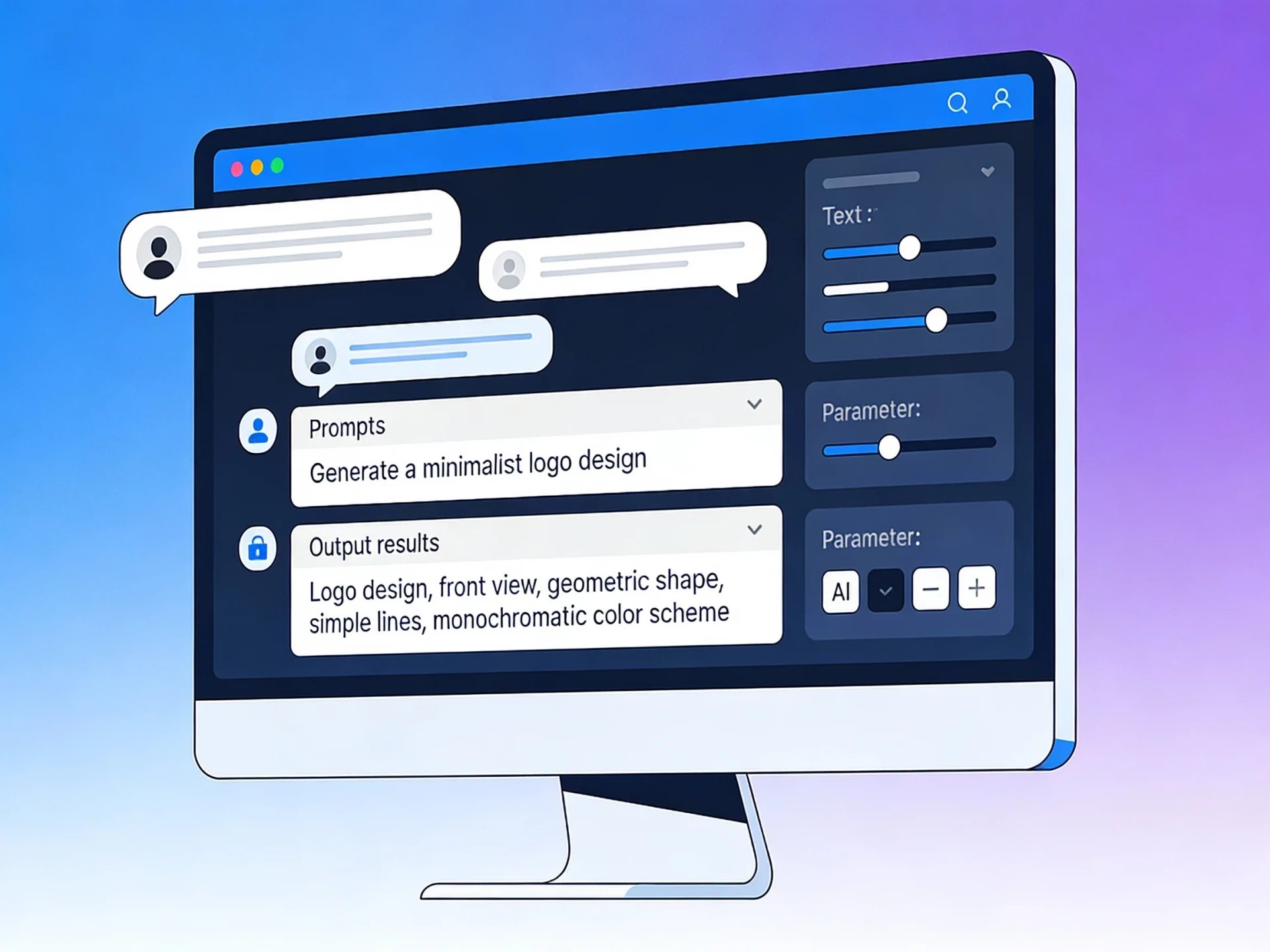
Prompt engineering is the art of crafting precise inputs to guide AI models like ChatGPT toward better, more reliable outputs. Think of it as tuning sliders on an AI interface—each adjustment shapes the response you get.
This step-by-step tutorial breaks it down into actionable techniques you can practice today. No prior experience needed.
Prompt engineering is the art of crafting precise inputs to guide AI models like ChatGPT toward better, more reliable outputs. Think of it as tuning sliders on an AI interface—each adjustment shapes the response you get.
This step-by-step tutorial breaks it down into actionable techniques you can practice today. No prior experience needed.
Why Learn Prompt Engineering?
In 2026, AI tools power everything from writing to coding, but vague prompts yield vague results. Good prompts save time, reduce errors, and unlock creativity. You'll go from "meh" answers to tailored, professional-grade outputs.
In 2026, AI tools power everything from writing to coding, but vague prompts yield vague results. Good prompts save time, reduce errors, and unlock creativity. You'll go from "meh" answers to tailored, professional-grade outputs.
The Basic Prompt Formula
Start with this reusable structure. Fill in the brackets for any task.
textYou are a [specific role, e.g., expert copywriter].
Task: [Clear goal, e.g., rewrite this email].
Context: [Key facts or background].
Output format: [Bullets, table, 200 words max].
Examples:
Input: "Make this funnier" → Output: "Short, witty version with puns."
Example in action:
textYou are a patient cooking teacher.
Task: Plan a 30-minute vegan dinner.
Context: For 2 people, using pantry staples.
Output format: 4 steps, ingredients list first.
Result: Structured, beginner-friendly recipe.
Start with this reusable structure. Fill in the brackets for any task.
textYou are a [specific role, e.g., expert copywriter]. Task: [Clear goal, e.g., rewrite this email]. Context: [Key facts or background]. Output format: [Bullets, table, 200 words max]. Examples: Input: "Make this funnier" → Output: "Short, witty version with puns."
Example in action:
textYou are a patient cooking teacher. Task: Plan a 30-minute vegan dinner. Context: For 2 people, using pantry staples. Output format: 4 steps, ingredients list first.
Result: Structured, beginner-friendly recipe.
Technique 1: Assign a Role
Roles set tone and expertise. Instead of generic responses:
- "You are a startup CEO" for business advice.
- "You are a 5th-grade teacher" for simple explanations.
- "You are a brutal film critic" for honest reviews.
Test it: Ask the same question with different roles. Outputs shift dramatically.
Roles set tone and expertise. Instead of generic responses:
- "You are a startup CEO" for business advice.
- "You are a 5th-grade teacher" for simple explanations.
- "You are a brutal film critic" for honest reviews.
Test it: Ask the same question with different roles. Outputs shift dramatically.
Technique 2: Add Constraints
Vague prompts ramble. Constraints focus them.
Bad Prompt Good Prompt "Explain blockchain" "Explain blockchain to a teen in 3 bullets, no jargon, one analogy." "Write a story" "Write a 150-word sci-fi story about AI rebellion, happy ending, for kids."
Control length, style, audience, and format every time.
Vague prompts ramble. Constraints focus them.
| Bad Prompt | Good Prompt |
|---|---|
| "Explain blockchain" | "Explain blockchain to a teen in 3 bullets, no jargon, one analogy." |
| "Write a story" | "Write a 150-word sci-fi story about AI rebellion, happy ending, for kids." |
Control length, style, audience, and format every time.
Technique 3: Few-Shot Examples
Show, don't just tell. Provide 1-3 input-output pairs.
textRewrite these headlines engagingly:
Example 1:
Input: "New phone released"
Output: "Meet the Phone That Reads Your Mind!"

Now: "Coffee boosts productivity"
The AI mimics your preferred style instantly.
Show, don't just tell. Provide 1-3 input-output pairs.
textRewrite these headlines engagingly: Example 1: Input: "New phone released" Output: "Meet the Phone That Reads Your Mind!" Now: "Coffee boosts productivity"
The AI mimics your preferred style instantly.
Technique 4: Chain for Complex Tasks
Break big jobs into steps.
- Prompt: "Outline a blog post on fitness trends."
- Prompt: "Write intro from outline, 100 words."
- Prompt: "Add 3 tips with examples."
This builds quality iteratively, like editing a draft.
Break big jobs into steps.
- Prompt: "Outline a blog post on fitness trends."
- Prompt: "Write intro from outline, 100 words."
- Prompt: "Add 3 tips with examples."
This builds quality iteratively, like editing a draft.
Common Pitfalls and Fixes
Hallucinations: Add "Base answers only on provided info."
Off-topic: Start with "Ignore prior context."
Too long: Specify "Under 300 words" or "5 bullets max."
Meta-trick: "Critique this prompt and improve it."
Meta-trick: "Critique this prompt and improve it."
Practice Challenges
Daily Rewrite: Take a boring email; prompt a funnier version.
Role Play: Get career advice as "Elon Musk" vs. "HR manager."
Template Build: Create your top-3 go-to prompts (e.g., summarizer, brainstormer).
Your Starter Prompt Kit
Copy these templates:
Summarizer:
textSummarize this [text] in 3 bullets: key points, action items, unknowns.
Brainstormer:
textBrainstorm 10 [ideas] for [topic]. Rank by feasibility (1-10).
Debugger:
textYou are a senior [language] dev. Fix this code step-by-step: [paste code].
Practice 15 minutes daily—you'll master it in a week!
Copy these templates:
Summarizer:
textSummarize this [text] in 3 bullets: key points, action items, unknowns.
Brainstormer:
textBrainstorm 10 [ideas] for [topic]. Rank by feasibility (1-10).
Debugger:
textYou are a senior [language] dev. Fix this code step-by-step: [paste code].
Practice 15 minutes daily—you'll master it in a week!
Comments
No comments yet. Be the first to share your thoughts.